Screening interviews
First-round HR and basic technical interviews, at any hour, for every candidate.
- Asks your must-ask questions in order, with short follow-ups
- Does not hint at answers or judge them
- Gives you each answer, question by question
Give FaceAgent a purpose, your material and a plan for the call. It joins a video call, talks naturally in Hindi or English, and sends you the recording, transcript and a summary when it ends.
 LiveSaumya · AI agent
Each call is set up for one purpose, and the agent stays on it from the greeting to the goodbye.
First-round HR and basic technical interviews, at any hour, for every candidate.
Explains your product's features and pricing to a customer, and answers their questions.
Helps users with a policy, a process or a how-to, in conversation instead of a help page.
Choose interview or discussion, pick an agent and language, add your material and questions, and describe how the call should go.
Send the join link by email or chat. Set how many calls it allows, when it expires and how long a call may last.
The guest opens the link in a browser, agrees to the recording, and the call starts by itself. Nothing to install.
Watch the recording, read the transcript, or go straight to the summary written for you after the call.
The parts that make a call with FaceAgent feel like a call, and keep it under your control.
A lifelike presenter on video whose lips move with the words, in real time.
Speaks and understands Hindi, mixed Hindi and English, and English, including an Indian accent.
Write the flow in plain words: how to open, what to cover, how to close. The agent follows it and returns to it after questions.
Add up to about twenty pages of text or upload documents. Facts come from there; the agent is told not to invent any.
Politely declines off-topic requests and attempts to change its instructions, then brings the call back.
With the camera on, it notices if someone is listening, busy or has stepped away, and waits instead of talking to an empty chair.
You can interrupt it mid-sentence. A passing "hmm" or "okay" does not stop it.
Knows how long the call may last, paces itself, and wraps up properly before time runs out.
Every call is saved with both sides on video, a full transcript and a written summary.
Limit the number of calls, set an expiry and a maximum length, or switch a link off at any time.
Run calls as voice with a simple speaking animation when video is not needed.
Guests join from a link in a modern browser, on a laptop or a phone.
Want a presenter that is yours alone? We create a custom agent for you, with the face, voice and name that fit your brand.
Need another language or a regional accent? We prepare a voice for it, so the agent sounds right to the people you serve.
Four presenters, each with their own voice, or one made for you.

Hindi, Hinglish and English
English, Indian accent

English
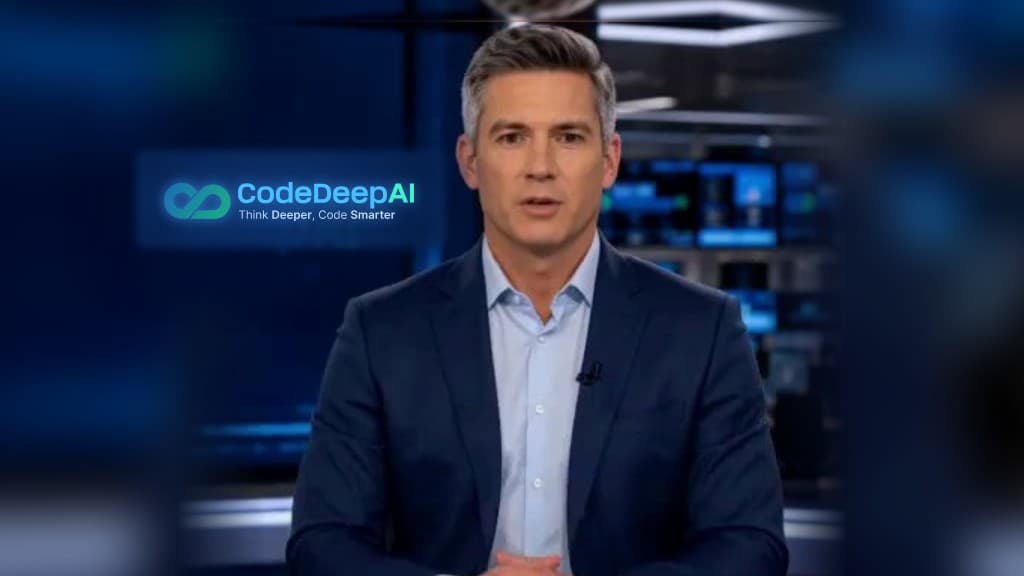
English
Bring your own presenter. We build an agent with the look and voice you choose, in your language and accent, and add it to your account alongside the others.
The candidate answered all five questions clearly and asked about the team's on-call rota at the end.
Asked. Explained when an index helps and when it slows writes, with an example from a reporting job.
Is available to join from next month. Prefers a hybrid schedule.
Guests give their name and email and agree to the recording before the call starts.
A call can only start from a join link you issued. Your team signs in to create setups and review calls.
Runs in the cloud, or on your own GPU servers when calls and recordings must stay in-house.
Everything you need to know about FaceAgent and how a call works.


Tell us what you want it to do. We'll set up a call with your own material and send you a link to try.
